
From head office to store, clear work
Track tasks, checklists, shifts and working hours, requests and approvals in one shared system. Make it clear who does what, and when.
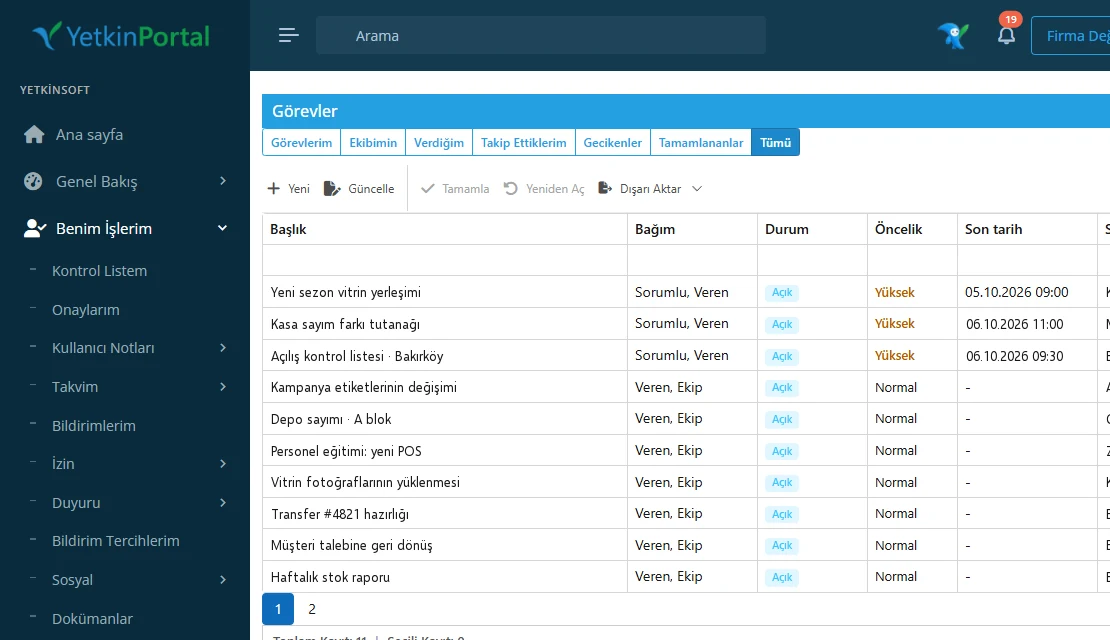
Like a control tower: you see what is happening in every store from one screen and get help to where it’s needed in time.
The building blocks of operations
Tasks and checklists
Every task has one owner, a due date and a status. A checklist defines how the work is done and collects evidence.
Shifts and working hours
Shift definitions, Auto Plan, clock-in by QR, NFC or location; planned versus actual reports.
Request management
Internal requests and support conversations in one engine: department, priority, SLA thresholds, attachments.
Approval flows
Multi-step, hierarchical approvals; backup approvers; one approvals inbox.
Calendar and reminders
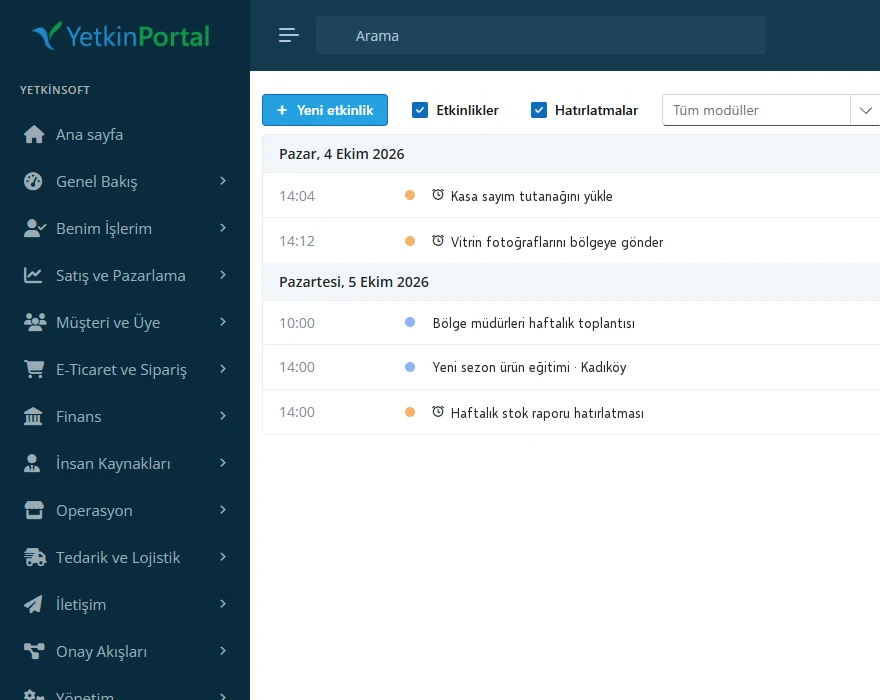
Events from all modules in one calendar; quiet hours and cool-down rules.
Tills and store traffic
End-of-day declarations, bank and till reconciliation; footfall counter reports.
New-season layout across 48 stores
- Head office creates the taskWith a checklist and a due date.
- Stores receive itA notification and a task card in Mobile Plus.
- Evidence is uploadedPhotos are attached to the checklist items.
- Head office follows upCompleted, overdue and help-needed stores are visible.
Let’s look at your store scenario together.
We’ll walk through a week of your operations on Yetkin.